Contacts
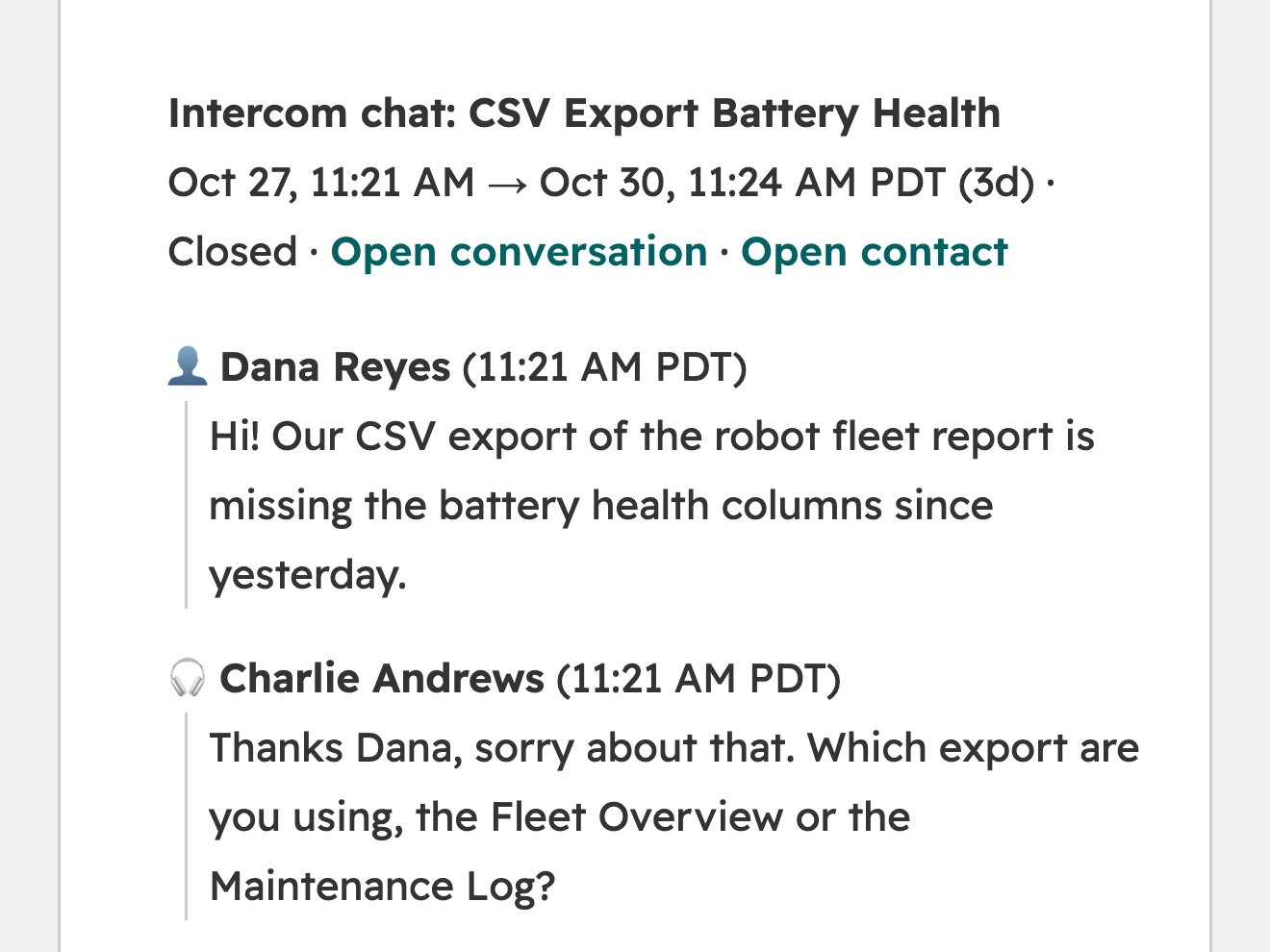
Every Intercom conversation becomes one note in HubSpot, holding the full transcript.
 Logged on the contact and their company
- Contacts created by email if they’re new
- Updated in place if the conversation picks back up

 Intercomsupport history to
 HubSpot records
See every Intercom  chat &
 ticket on the matching HubSpot contact &
 company
How it works
Add Support Sync to your HubSpot account. It asks for access to contacts, companies and tickets.
From the app’s settings in HubSpot, sign in to Intercom and approve read‑only access.
Chats and tickets keep syncing on their own, and Sync now pulls in the latest whenever you want it.
What syncs
Every Intercom conversation becomes one note in HubSpot, holding the full transcript.
Logged on the contact and their companyContacts created by email if they’re newUpdated in place if the conversation picks back upAn Intercom card on each company record sums up support across all of its people.
Open and recent conversationsOpen ticketsWhen you last heard from them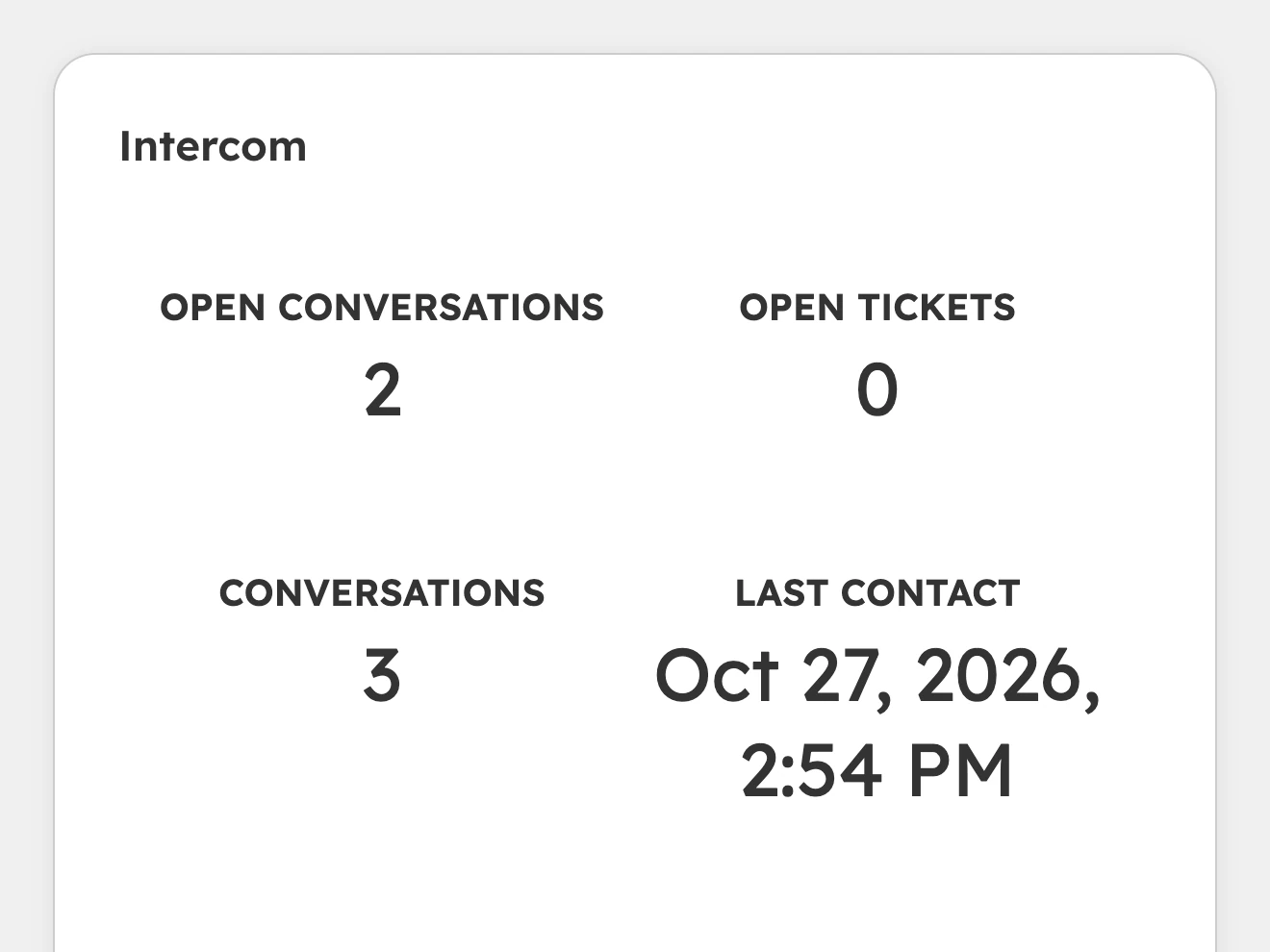
Every Intercom ticket becomes a HubSpot ticket on the same contact and company.
Stage follows the Intercom ticket’s stateLinks back to the conversation in Intercom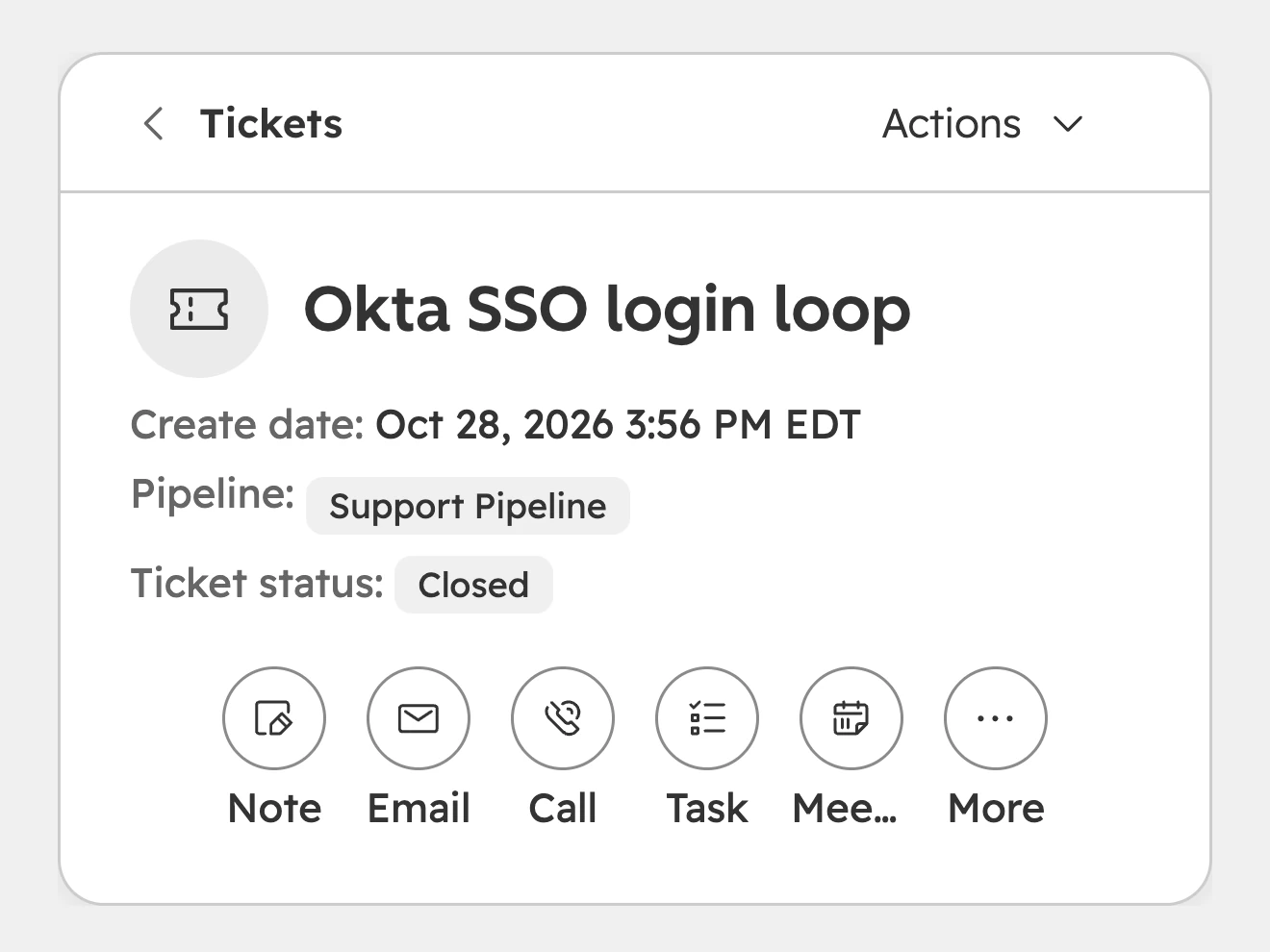
Pricing
Everything Support Sync does, for a small support team.
Billed monthly
Two months free
Up to 5,000 conversations a monthImports the last 12 months on installEmail supportRoom for a busier inbox, plus help getting set up.
Billed monthly
Two months free
Up to 25,000 conversations a monthImports your full history on installPriority supportA setup call with usFor companies that buy through procurement and security review.
From
Billed annually
Billed annually
Custom conversation volumeFull history, with help importing itShared Slack channelSecurity review and contract paperworkPay by invoiceGoing over your plan never pauses syncing.
If you’re over your limit for two months in a row, you’ll move to the next plan at your next bill. We’ll warn you before that happens.
No. Support Sync only reads conversations, people, companies, and tickets from Intercom. It never writes data into Intercom.